








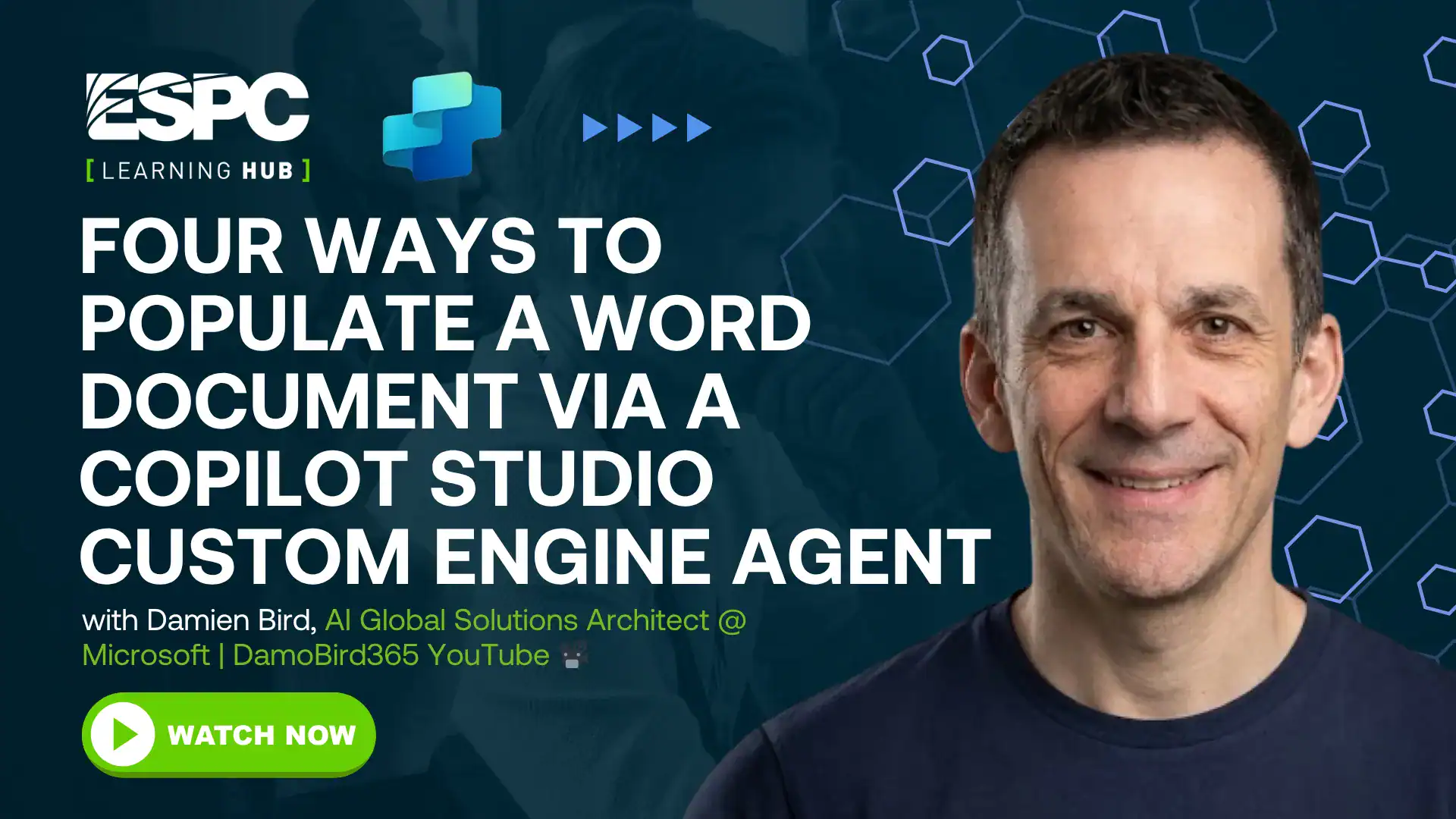
Four ways to populate a word document via a Copilot Studio Custom Engine Agent
About this How To Video
There are 4 options for creating a word document as output on a Custom Engine Agent in Copilot Studio. I demo live all four options, some that work better with fixed templates (option 1 and 2), and others that are either in preview or in GA (Generally Available), perfect for production. 1. Populate a Word Document Template Action 2. Prompt Document Output • Copilot Agents: Generate Word Docs with Co… 3. Create a Microsoft Word document with the given content 4. Word MCP @DamoBird365