








Intro to SharePoint Agents
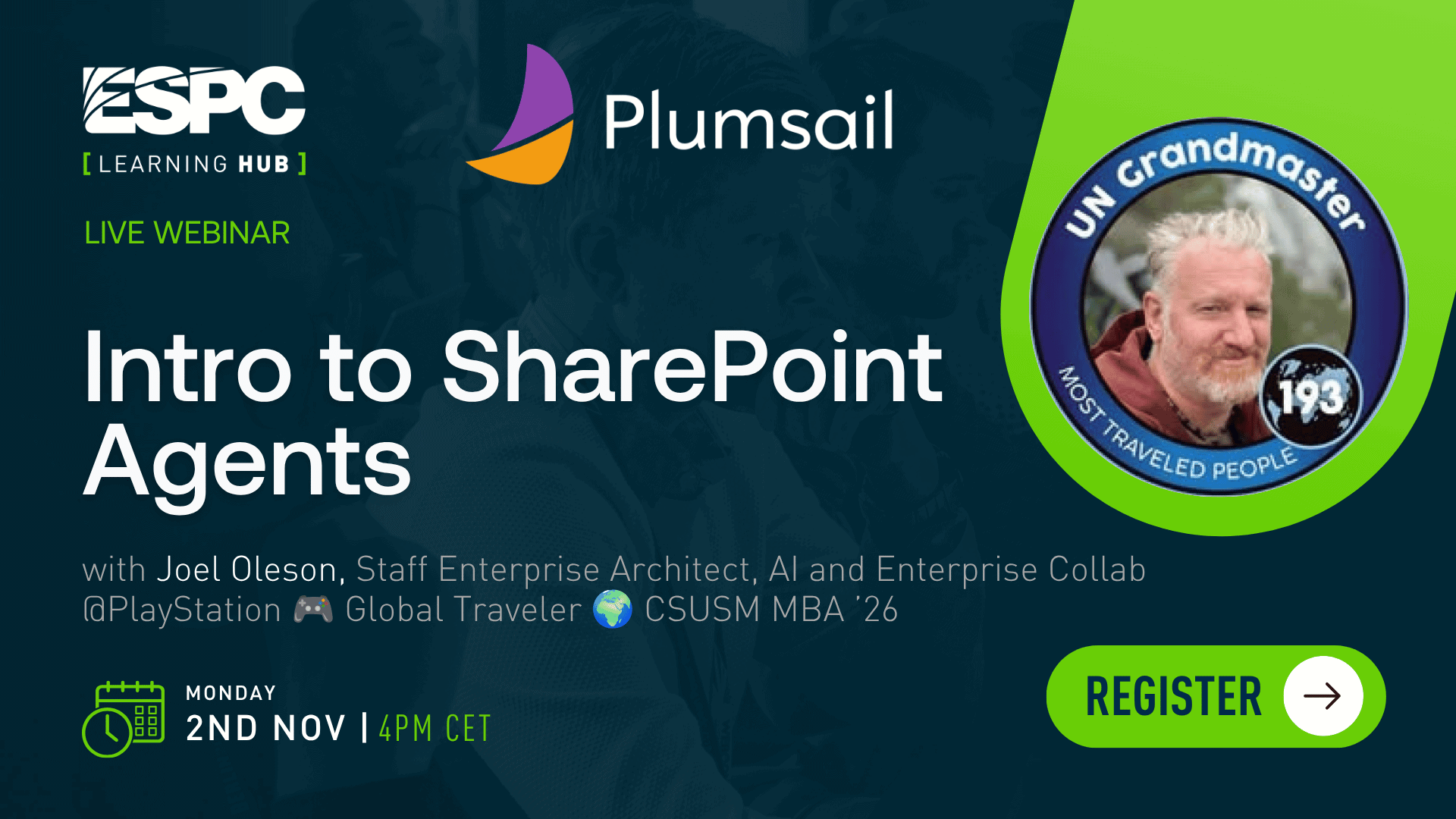
Intro to SharePoint Agents
Webinar Description / Agenda –
Curious about AI in Microsoft 365, but wondering what terms like “SharePoint Copilot,” “SharePoint Agents,” and “Agentic AI” actually mean for your team? You’re not alone! AI in SharePoint has evolved beyond standard chatbots into friendly, active assistants—often called “agentic AI”—that work alongside you directly inside your team sites, folders, and document libraries.
In this beginner-friendly “101” session, join Joel Oleson as he breaks down the basics of AI in SharePoint without the overwhelming technical jargon. We will demystify how SharePoint Copilot helps you quickly create beautiful site pages, summarize complex files, and reason over images and diagrams. Then, we’ll dive into SharePoint Agents—smart, site-scoped AI assistants that you can easily set up to act as a 24/7 expert for a specific project, policy library, or department hub. Finally, we’ll cover essential security basics to give you confidence that your AI assistants will only access and share content safely.
Whether you’re an intranet owner, site admin, or just getting started with Microsoft Copilot, this session provides an approachable, step-by-step introduction to making your SharePoint sites smarter and easier to use.
Key Takeaways
* AI Concepts Demystified: Understand the simple, core difference between SharePoint Copilot (your page and content helper) and SharePoint Agents (your site’s specialized expert).
* What is “Agentic” SharePoint? A plain-English look at how AI can proactively answer questions, summarize multi-file documentation, and assist your team in daily tasks.
* Creating Your First Agent (No Coding Required): Step-by-step guidance on how to easily set up a custom agent for a project site, HR portal, or document folder.
* Smart Content & Visual Intelligence: Explore how recent updates allow Copilot and Agents to read diagrams, scans, and photos stored in your document libraries.
* Safe & Simple Security (101): Essential rules of permission hygiene to ensure your AI agents strictly respect existing permissions and never overshare sensitive content.
Who Should Attend
* Those interested in the latest in Microsoft Copilot & SharePoint AI
* Intranet Owners, Site Admins, & Content Creators
* Team Leads, HR, & Internal Communications Professionals looking to modernize spaces
you might also like