

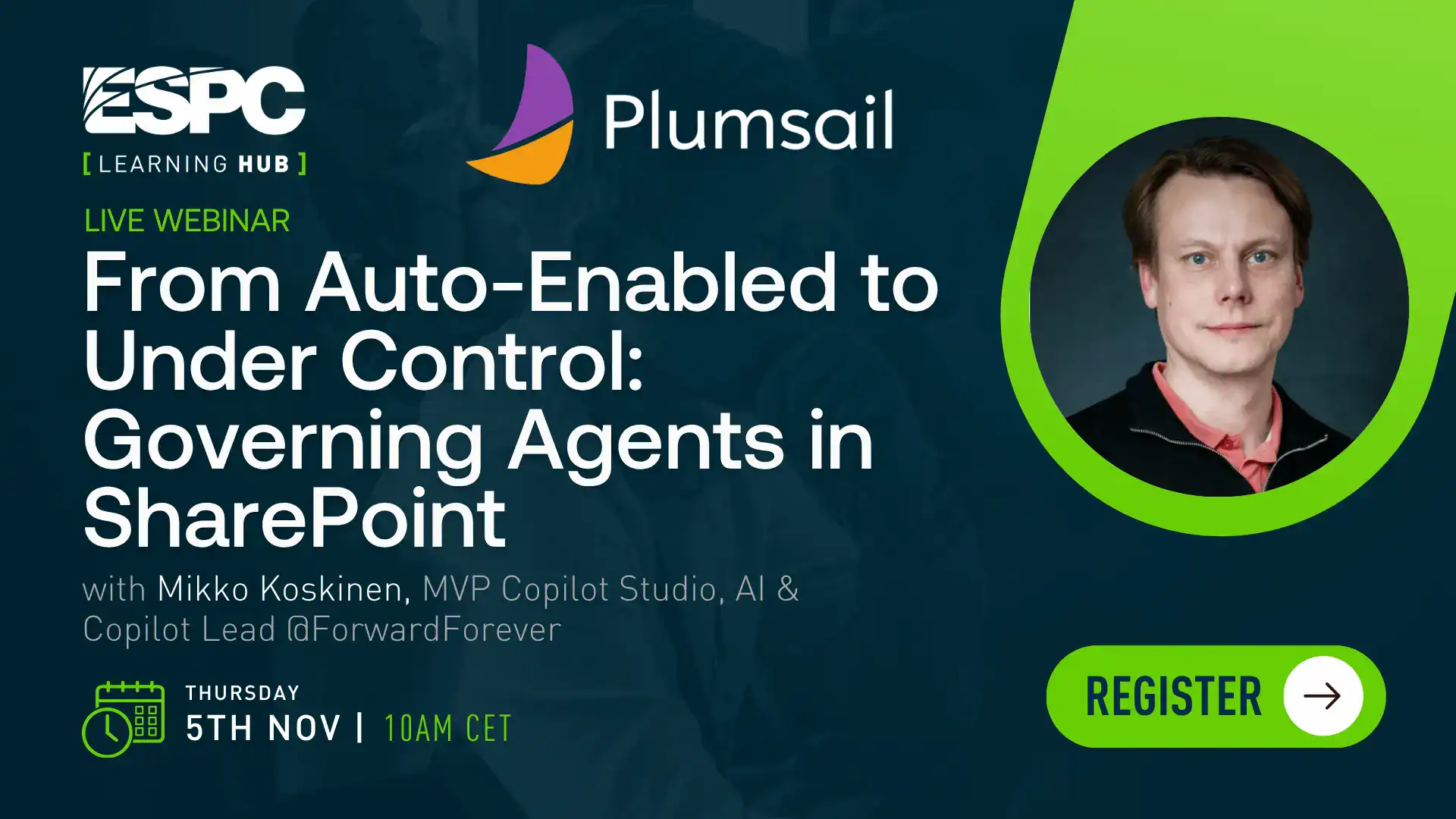
From Auto-Enabled to Under Control: Governing Agents in SharePoint
About this Webinar
From Auto-Enabled to Under Control: Governing Agents in SharePoint
Webinar Description / Agenda –
Whether you asked for it or not, your SharePoint sites now come with their own built-in AI agent — switched on by default since Microsoft’s mid-2026 rollout of Copilot in SharePoint. At the same time, Microsoft shipped new agent governance tools and capabilities like the SharePoint Admin Agent, a conversational governance layer built to help admins keep up with what’s in the environment.
In this session, we will walk through both sides of that equation. You’ll see what actually changed under the hood, how to use the new Admin Agent and governance tools to find out which agents are touching your content and where the risk sits, and — going a step further — how custom Copilot Studio agents published into SharePoint get discovered and governed, even when nobody touches their configuration.
Agenda:
- What went GA in mid-2026: Copilot in SharePoint (opt-out by default) vs. custom agents built in Copilot Studio
- Introducing the SharePoint Admin Agent: conversational governance over content sprawl, oversharing, and access
-
Using the Admin Agent, admin centers, and APIs to surface overshared sites and the agents accessing your content
- Closing the loop: how a Copilot Studio agent published to SharePoint gets discovered, risk-assessed, and remediated at the site level
- A practical, repeatable governance process you can start using immediately
3. Benefits of Attending
-
Understand the latest changes with Copilot and Agents in SharePoint for your tenant governance
- Learn how the SharePoint Admin Agent gives conversational, natural-language governance over SharePoint content and AI agent sprawl
-
See how custom Copilot Studio agents published to SharePoint are discovered and governed
-
Walk away with a concrete, usable process for auditing and understanding your agent workforce that uses or is used through SharePoint
4. Is there a demo?
Yes — 2 demos (with an optional 3rd if time allows):
- End-user experience of Copilot in SharePoint — the built-in site agent answering content questions and creating a list/page via natural language, scoped to the user’s own permissions.
- SharePoint Admin Agent in action — running official example governance prompts live (e.g., identifying overshared sites and their risk levels, and listing the top agents accessing SharePoint/OneDrive content).
-
(Optional stretch demo) Agent monitoring and insights — using the Agent Insights report to see which sites host the most agents and how a published Copilot Studio agent shows up in that data, then walking through the risk signals it surfaces for ongoing oversight.
Agenda:
Experience Level
Level 200
Audience
BusinessDecisionMaker
,
Developer
,
EndUser
,
maker
you might also like