







Why your AI demos don’t survive production | ESPC26

ESPC26
Conference Sessions

Why your AI demos don't survive production
SPEAKERS
Luise Freese
MVP
M365Princess
ABOUT THE SESSION
Most agents built on Microsoft 365/Copilot Studio/Azure and Microsoft Foundry don’t fail because of models or tools. They fail because what works in a demo does not survive contact with real enterprise systems.
Agents often look convincing in isolation, but once they are connected to real data, permissions, legacy systems, and governance, they fall into a familiar pattern: stuck between prototype and production, with unclear ownership and no reliable way forward.
This session focuses on the gap most teams underestimate: the difference between a working demo and a system that can run every day.
You will see:
– why agents break in real Microsoft 365 environments
– how your messy Excel and SharePoint-based “data estates” quietly undermine reliability and autonomy
– why building more AI use cases slows you down instead of getting you closer to production
– and what minimum technical and organizational foundation is required to operate an agent safely
Instead of adding another use case, this session introduces a different approach: selecting a single “lighthouse” agent and building it properly; with clear ownership, real integration, and a repeatable delivery backbone on Microsoft Foundry.
If you are working with Copilot Studio, Microsoft Foundry, Azure, or the Power Platform, this session provides a clear, practical path to move from demos to agents that actually run in production.
Assumed Knowledge:
Attendees should have a basic understanding of how AI solutions are currently built in the Microsoft ecosystem. This includes familiarity with concepts such as agents, and the use of tools like Copilot Studio, Microsoft Foundry, Azure services, or the Power Platform.
Practical Takeaways:
1. A checklist to distinguish demos from production-ready AI solutions 2. A method to select one “lighthouse” use case instead of many parallel efforts 3. Clear criteria for ownership, decision-making, and operation 4. The minimum technical baseline required on Microsoft Foundry (environments, deployment, monitoring) 5. Key integration and data pitfalls in Microsoft 365 environment 6. A structured path to move from prototype to production reliably
Out of Session Scope:
Step-by-step build tutorials in Copilot Studio or Microsoft Foundry / Deep dives into models, prompt engineering, or fine-tuning / Detailed Azure configuration or architecture walkthroughs / Full governance or compliance frameworks / Introductory AI or Microsoft 365 basics
MEET THE SPEAKERS
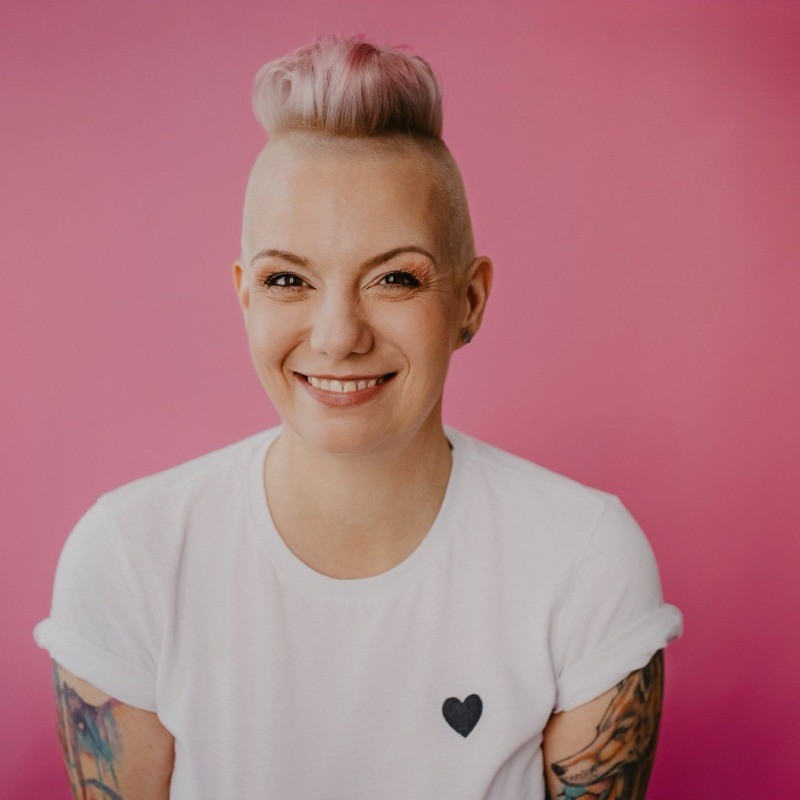
Luise Freese
MVP
M365Princess